


















Betsio Casino Mobile App: Download, Install & Play
Betsio is built for mobile-first play. Rather than pushing a traditional App Store/Google Play download, the Betsio website promotes an “Install App” option that adds a Progressive Web App (PWA) to your home screen. You get one-tap access like a native app, while keeping storage use low.
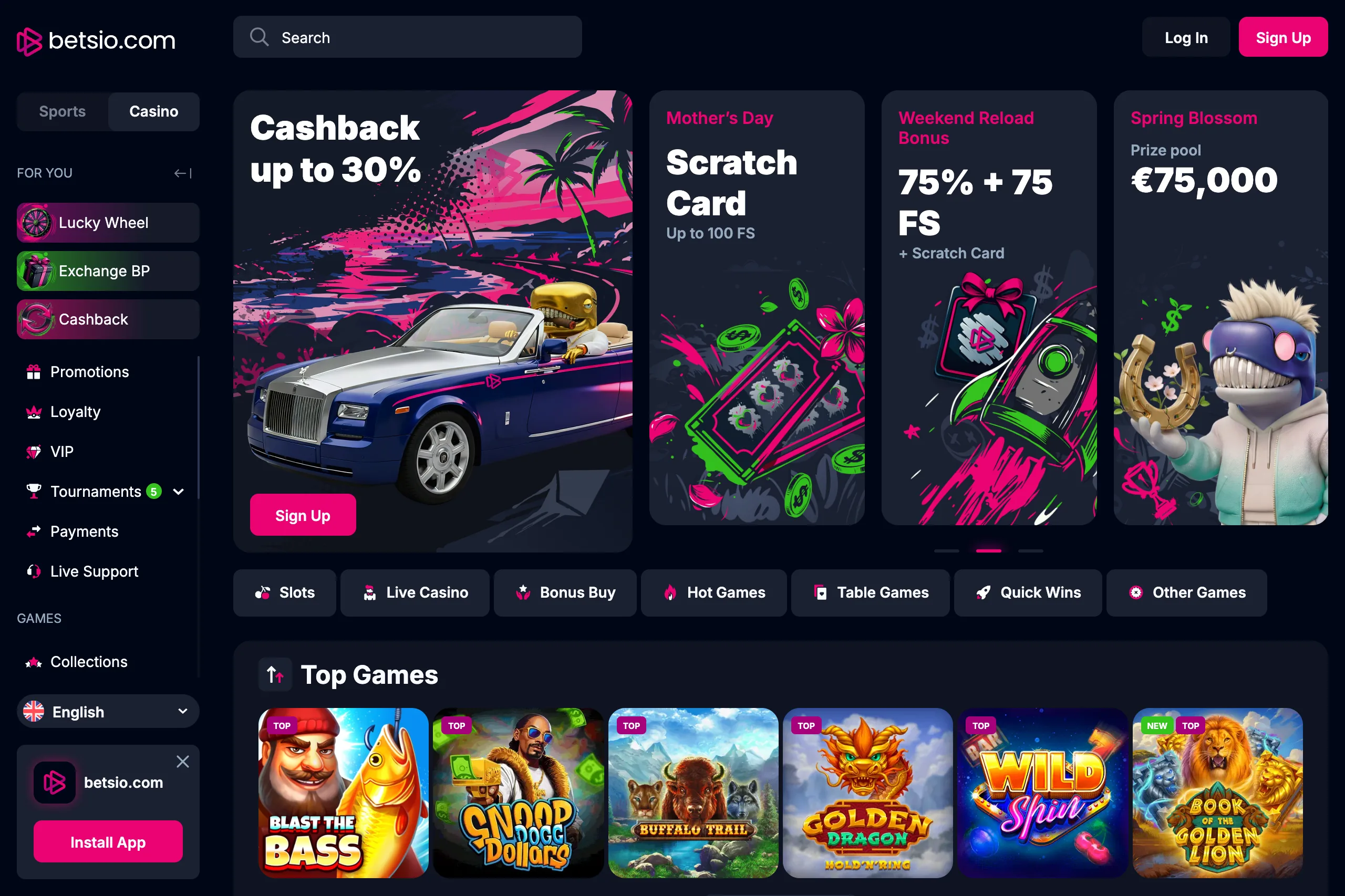
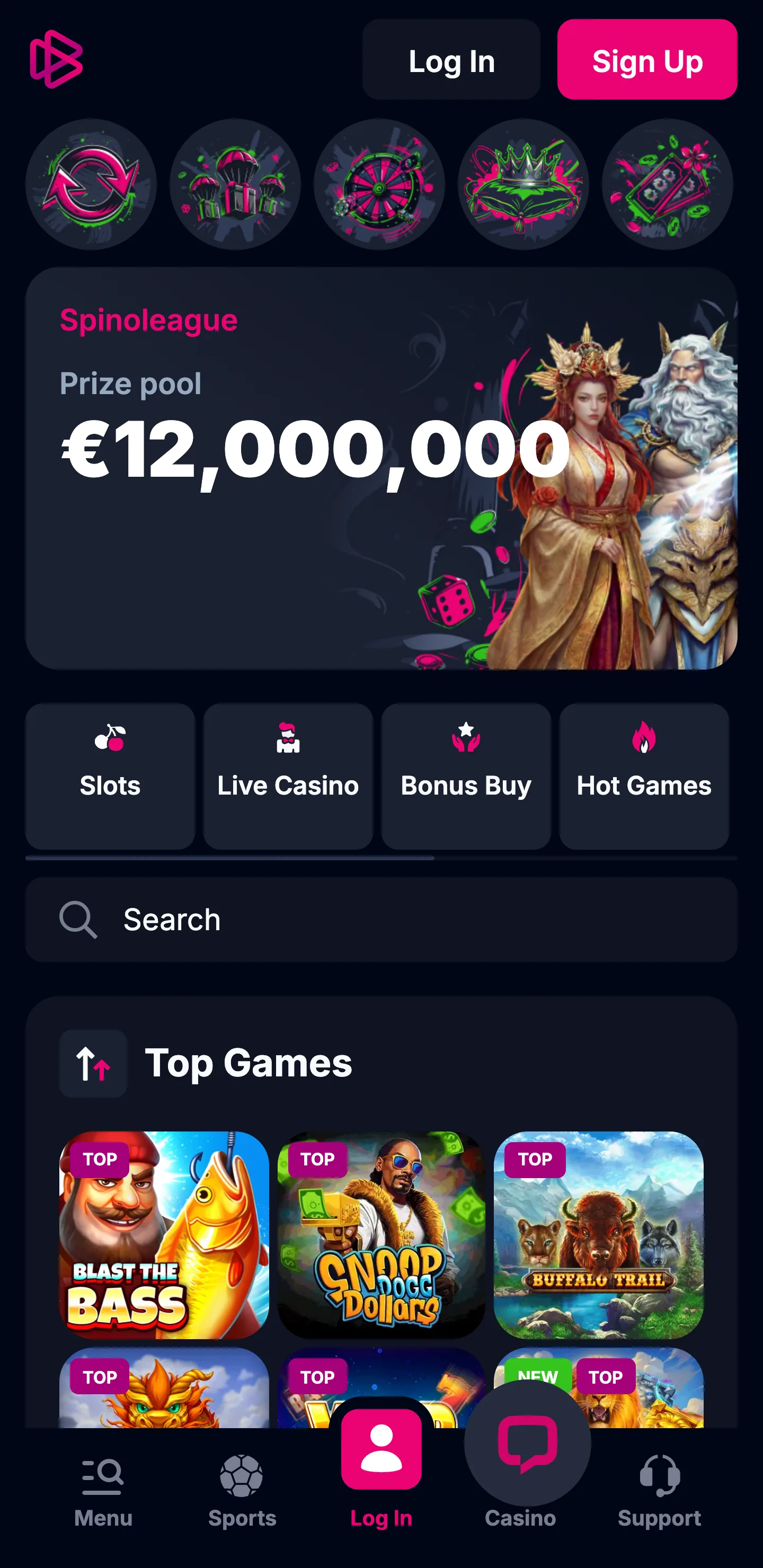
What you get on mobile
You get what desktop has: casino games, account settings, payments, help — optimized for your phone. PWAs launch in their own window hiding browser bars and buttons, making it feel like an actual installed app.
How to install Betsio on iPhone (iOS)
- Open Safari and go to the Betsio website.
- Tap Share → Add to Home Screen.
- Confirm the name/icon → Add.
Launch Betsio from the new icon to sign in and play.
How to install Betsio on Android
- Open Chrome and visit the Betsio website.
- Open the site menu (or browser menu).
- Tap Install App / Add to Home screen.
- Confirm to install.
You’ll get a Betsio shortcut that behaves like an app.
APK download: what UK players should know
“APK” usually means a separate Android installer file. With Betsio, the official flow is web-based (PWA), which is typically safer than downloading installers from random pages. Avoid APK files from third-party directories or “mirror” sites: they can be modified and may put your account and device at risk. If Betsio ever offers an APK, only use one provided directly from the official Betsio domain and double-check the URL before downloading.
Login, payments, and smooth performance
- Login: your desktop login works fine here too; switch on two-factor authentication in settings if it’s there.
- Payments: use the cashier inside the app for deposits and cashouts; UK users need to verify it’s GBP and see if there are fees before processing.
- Performance: solid connection like wifi or 5G stops live casino buffering; keep browser current because PWAs depend on it, and kill off heavy background apps.
Mobile cashier: deposits & withdrawals (step-by-step)
- Open Betsio on your phone and log in.
- Head to Cashier or Banking (might be a wallet icon).
- Tap Deposit or Withdraw and select your payment option.
- Before hitting confirm, look at what’s displayed: min/max limits, processing time estimate, and whether there are fees.
- When withdrawing, double-check your payment method matches what you verified, and finish any verification needed to avoid holdups.
Tip: after submitting a withdrawal, track it in Transactions/History so you can see whether it’s pending, approved, or sent.
Security checklist for mobile play
For safer mobile play, install Betsio only from the official website and avoid third-party “APK mirror” downloads. Protect your device with Face ID/Touch ID or a strong PIN and keep auto-lock enabled, then make sure both your iOS/Android version and browser are always up to date. Try not to log in over public Wi-Fi; if you have to, avoid making deposits or withdrawals until you’re back on a trusted connection. Stay alert for phishing by double-checking the exact domain name before entering your details, and use a unique, strong password (ideally stored in a password manager).
Troubleshooting on phone
- Can’t log in: recheck caps lock, reset password, and disable any auto-fill that inserts the wrong email.
- Games won’t load / black screen: refresh, clear cache/cookies, and try another browser (Chrome/Safari).
- Install option missing: update the browser, reload the page, and on iPhone use Safari for “Add to Home Screen.”
- Payment failed: confirm balance/limits with your bank or method, try a different method, and avoid VPN/ad-blockers during checkout.
- Verification “stuck”: upload clear photos in good light, ensure details match your account, and contact support if the status doesn’t change.
Updates, uninstall, and quick fixes
- Updates: PWAs usually update automatically when you revisit the site after a new version goes live.
- Uninstall: delete the Betsio icon like any other app shortcut (iOS/Android).
- If “Install” doesn’t show: update the browser, clear cache, reload, and try again; on iPhone, use Safari for “Add to Home Screen.”
Responsible play in the UK
Use whatever deposit or time controls they offer, step away from gambling regularly, and play only with money losing won’t impact you. Before funding your account, verify their terms and licensing position for UK players.
Betsio Casino Mobile App FAQ
Is there a Betsio Casino app in the App Store or Google Play?
Betsio highlights an installable PWA via its website rather than a standard app-store listing.
How do I download Betsio on iPhone?
Open the Betsio website in Safari → Share → Add to Home Screen.
How do I install Betsio on Android?
Open the Betsio website in Chrome → Menu → Install App/Add to Home screen.
Does Betsio offer an APK?
Betsio’s promoted “Install App” method is web-based (PWA). Treat APK links that aren’t hosted on the official Betsio domain as untrusted.
Will my balance and bonuses sync between desktop and mobile?
Yeah, same credentials everywhere. Your funds, bonuses, and game history follow you across desktop, mobile, whatever.
What should I do if games lag on mobile?
Switch to Wi-Fi/5G, close background apps, reduce other downloads/streams, and try a different browser if needed.